
Why does the act of “OKX login” feel like a small ritual with outsized consequences? Because it is where multiple technical domains collide: account security, centralized custody, Web3 self-custody, regulatory identity, and access to advanced trading and DeFi rails. For a U.S.-based trader the simple question — how do I sign in safely and with the options I need? — opens into several operational choices, each with its own trade-offs.
This explainer walks through how OKX’s authentication and ecosystem plumbing work, compares the practical alternatives you’ll encounter at sign-in, points out the places users commonly misunderstand risk, and ends with clear heuristics you can apply the next time you type your credentials or unlock your Web3 wallet.
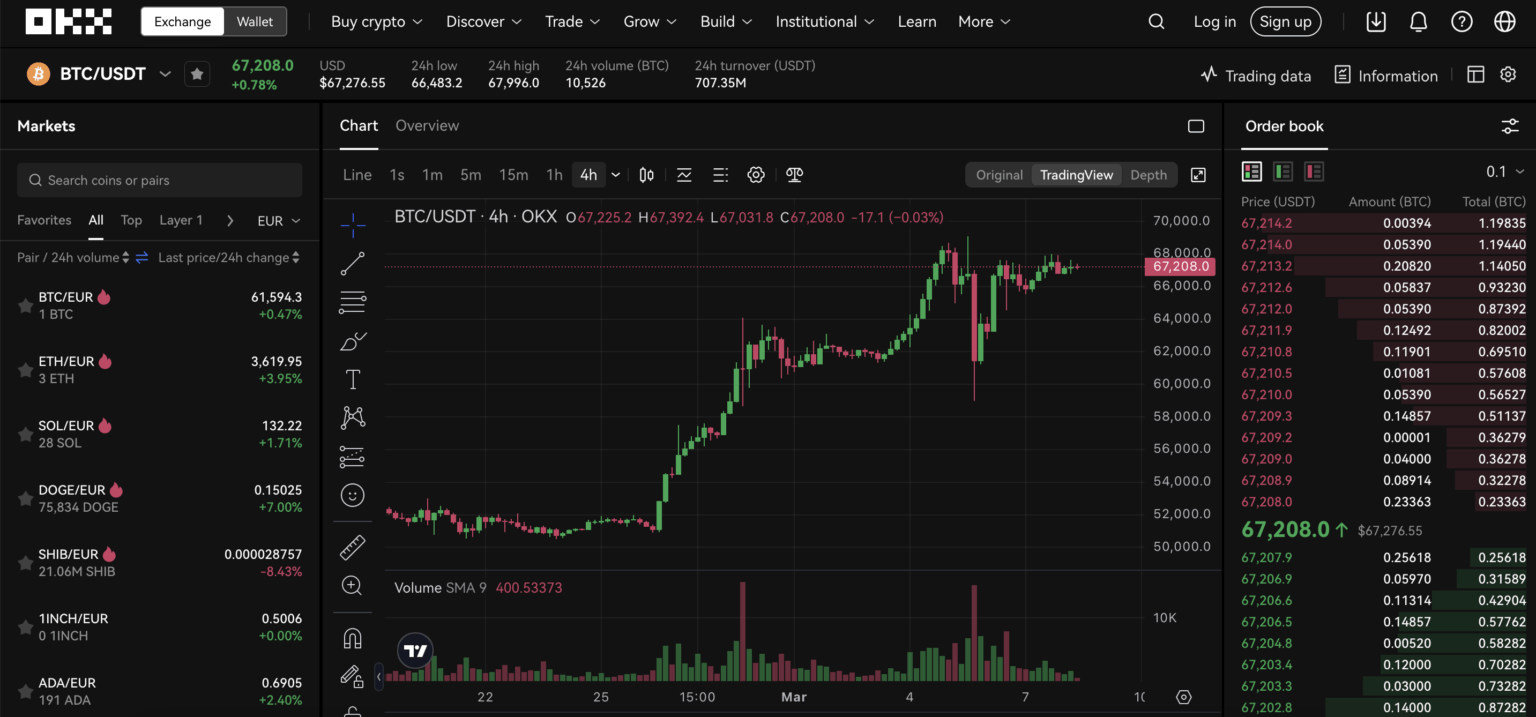
How OKX login works in practice: the mechanics under the hood
Signing into OKX is not a single technical act but a short choreography of pieces. First, there is account-level authentication for the centralized exchange side: email/username + password and mandatory Two-Factor Authentication (2FA) via SMS, Google Authenticator, or biometric on mobile. OKX layers “military-grade” encryption and AI-driven threat detection to flag anomalous login attempts in real time — that’s detection and response, not a guarantee of no breach.
Second, users choose whether to remain entirely within the centralized exchange (CEX) model — where OKX custodially manages assets — or to pair sign-in with OKX’s non-custodial Web3 wallet. The Web3 wallet path delegates custody: you hold a seed phrase, optionally backed by hardware devices such as Ledger or Trezor. That choice changes the threat model dramatically. Custodial accounts rely on the exchange’s cold-storage practices (OKX stores over 95% of assets in air-gapped multi-signature cold wallets); non-custodial accounts rely on the user’s operational security.
Third, there are Web3 connection flows. If you connect the browser extension or mobile wallet to DApps or the OKX DEX aggregator, a signature prompt — not a password — is the permission step. That signature is potent: it can authorize transactions or permit token allowances, so understanding exactly what you sign is essential.
Where the choices matter: trade-offs at sign-in
Compare three common choices you’ll face at login and what each sacrifices or preserves.
1) CEX-only sign-in (fast, recoverable). Pros: simpler recovery via KYC, integrated trading, access to margin, futures, staking, and Proof of Reserves transparency. Cons: you do not control private keys; you’re exposed to platform operational risk, regulatory interaction, and third-party withdrawal policies.
2) Web3 wallet sign-in (self-custody, granular control). Pros: direct control of keys, hardware wallet integration, and ability to interact with DeFi, NFTs, and cross-chain bridges with minimal centralized mediation. Cons: loss of seed phrase equals permanent loss; no KYC recovery; greater personal responsibility for phishing resistance and safe signature hygiene.
3) Hybrid workflow (CEX + wallet). Many traders use both: custody on exchange for active trading and liquidity, and a non-custodial wallet for long-term holdings, staking on external DeFi protocols, or NFT ownership. This hybrid reduces some risk but increases operational complexity: you must manage transfers, on-chain gas costs, and timing to avoid slippage or front-running during volatile markets.
Security: practical mechanics, common gaps, and realistic limits
OKX’s security design combines several strong mechanisms: cold storage for the bulk of assets, multi-signature withdrawal approvals, PoR (Proof of Reserves) for on-chain transparency, and mandatory KYC. Those are important. But they address different threats — they reduce the risk of loss from exchange insolvency or internal mismanagement, while 2FA and AI-detection aim at credential theft.
Where these controls don’t help is external, user-level errors. Phishing remains an everyday attack: sophisticated pages can mimic OKX login screens and trick you into surrendering passwords or signing malicious transactions. Seed phrases are another single point of catastrophic failure for self-custody users: no exchange can reconstitute a lost seed.
Finally, DeFi interactions after login introduce smart-contract risk: a successful sign-in may give you access, but it can also be the beginning of risky contracts and permission grants that can be exploited. Read every signature prompt and check the contract address and allowance levels before approval.
Trading features you unlock after signing in — and the implied responsibilities
Once logged in to OKX, the platform exposes a broad suite of capabilities: spot trading, margin up to 10x, futures and derivatives up to 125x (for eligible instruments), an NFT marketplace, staking (flexible and locked), and a DEX aggregator for cross-chain swaps. These features are powerful but require competence: leverage multiplies both gains and losses and can trigger fast liquidations during volatile moves. Slippage and low liquidity can make price entries and exits much worse than expected, especially for large orders or thinly traded altcoins.
Staking and yield-generation tools sound passive, but they bring lock-up constraints, counterparty exposure when a staking provider runs nodes, and sometimes smart-contract risk when auto-compounding or DeFi strategies are involved. Always read the conditions for lock periods, early withdrawal penalties, and what happens to rewards if a validator misbehaves.
Practical checklist for a safer OKX sign-in session (U.S. focus)
Before you sign in, use this heuristic checklist to reduce common failure modes:
– Verify URL and browser extension provenance. Bookmark the OKX domain you use and install the official browser extension or mobile app from trusted stores. Be cautious of search-engine ads and lookalike domains.
– Use a hardware-secured Web3 wallet for high-value, long-term holdings. For active trading, keep only the capital needed on exchange; otherwise keep assets in cold or hardware-protected wallets.
– Enable strong 2FA and prefer authenticator apps or hardware keys over SMS when possible. SMS can be spoofed or SIM-swapped.
– Keep separate accounts for trading and governance/DeFi activity to minimize blast radius from a compromised key or account.
– Question every signature prompt. If a DApp asks for unlimited token allowance, consider approving only what you need and revoking allowances after use.
Where the system can still fail: clear limitations to accept
Three boundary conditions matter. First, Proof of Reserves provides transparency about on-chain backing but does not eliminate operational or legal risk; PoR proves balances, not the absence of liabilities tied to custody or future regulatory actions. Second, AI-driven detection is reactive; novel, targeted phishing campaigns can bypass heuristics. Third, regulatory changes in the U.S. — including evolving KYC/AML expectations for exchanges and onramps — can affect account access, product availability, or withdrawal timing. These are structural constraints, not technical bugs.
Traders should therefore treat OKX login as a gateway that carries both convenience and responsibility. The convenience is real: integrated trading UI, access to 300+ assets and 130+ blockchains, and cross-platform features including mobile biometrics. The responsibility is also real: each choice at login—custodial vs. self-custodial, enabling margin or derivatives, consenting to DApp allowances—creates different risk exposures.
Decision-useful framework: three questions to ask before you click “Sign in”
Use this quick mental model whenever you log in.
1) What am I doing this session? (Quick trade vs. withdrawing to cold storage vs. interacting with a contract.) Limit the scope of actions to the session need.
2) Who holds my private keys for this action? (Exchange vs. your wallet vs. hardware.) Match the custodial model to the value and purpose of the funds.
3) What could go wrong in 10 minutes and in 10 days? (Immediate price swings, phishing, unauthorized withdrawals, or regulatory holds.) If either timescale carries material risk, add mitigations before acting.
If you want a practical step-by-step guide to the login and wallet connection screens — including where to find 2FA settings, KYC flow hints, and the Web3 wallet options — see this resource: https://sites.google.com/cryptowalletextensionus.com/okx-login-web/.
What to watch next (near-term signals)
Watch for three signals that could change the balance of trade-offs at login. One: regulatory guidance or enforcement in the U.S. that changes KYC, custody, or reporting obligations for exchanges — this affects account availability and recovery options. Two: technology shifts such as wider hardware-security adoption or standardized smart-contract approval UX that reduce phishing and signer mistakes. Three: liquidity changes in derivatives or certain altcoins that increase slippage and make margin more dangerous. These are conditional scenario branches: they will alter what “safe” sign-in looks like but only if the signal materializes.
FAQ
Is OKX login safe for U.S. users who trade frequently?
Safety depends on the practices you follow at login. OKX provides robust platform controls—cold storage, PoR transparency, mandatory KYC, and AI-driven threat detection—but user-level measures (2FA, hardware wallets, phishing vigilance, and compartmentalizing funds between exchange and self-custody) determine your personal risk. Frequent traders can be safe if they limit exchange balances to active capital and use strong 2FA.
Should I connect my OKX Web3 wallet to every DApp I use?
No. Only connect to DApps you trust and understand. Approve minimal token allowances and consider using a separate “hot” wallet with only the funds you need for a given interaction. For larger or long-term holdings, use a hardware wallet and avoid signing transaction bundles you don’t fully inspect.
How does Proof of Reserves affect my confidence after signing in?
Proof of Reserves increases transparency by allowing users to verify that the exchange holds on-chain assets to match customer balances. It improves one dimension of counterparty trust, but it’s not a complete safeguard: it does not cover off-chain liabilities, legal risk, nor remove the need for operational security from the user side.
What is the simplest way to reduce risk when using OKX’s margin or derivatives markets after login?
Limit leverage, use stop-loss orders, avoid illiquid tokens, and monitor positions closely. Also, understand cross-margin vs. isolated margin: isolated limits losses to a single position, while cross-margin shares collateral across positions and can increase systemic exposure.
